Project Case Study
Personal Dashboard
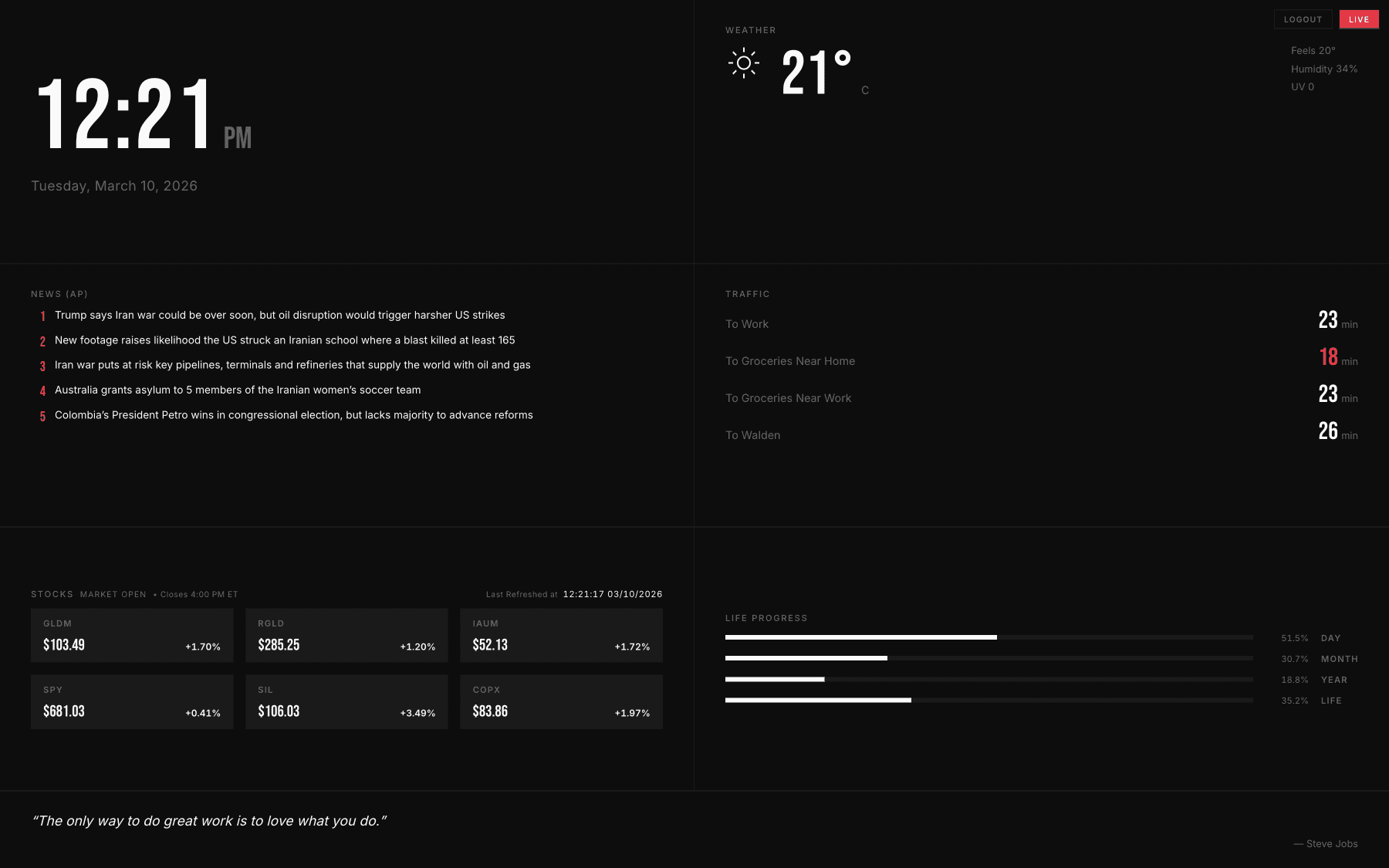
Personal Dashboard is a private daily briefing interface built with Next.js and React, combining live weather, news, traffic, stocks, and personal progress into one composed screen.
Product design, frontend development, interaction design, API integration
Context
Built to replace the usual morning tab-hopping
Most dashboards add more noise than clarity. This one was designed to feel composed before it felt feature-rich.
Personal Dashboard started as a response to habit. I kept opening the same tabs for weather, headlines, commute time, markets, and a few personal signals, then still had to reconstruct the day in my head.
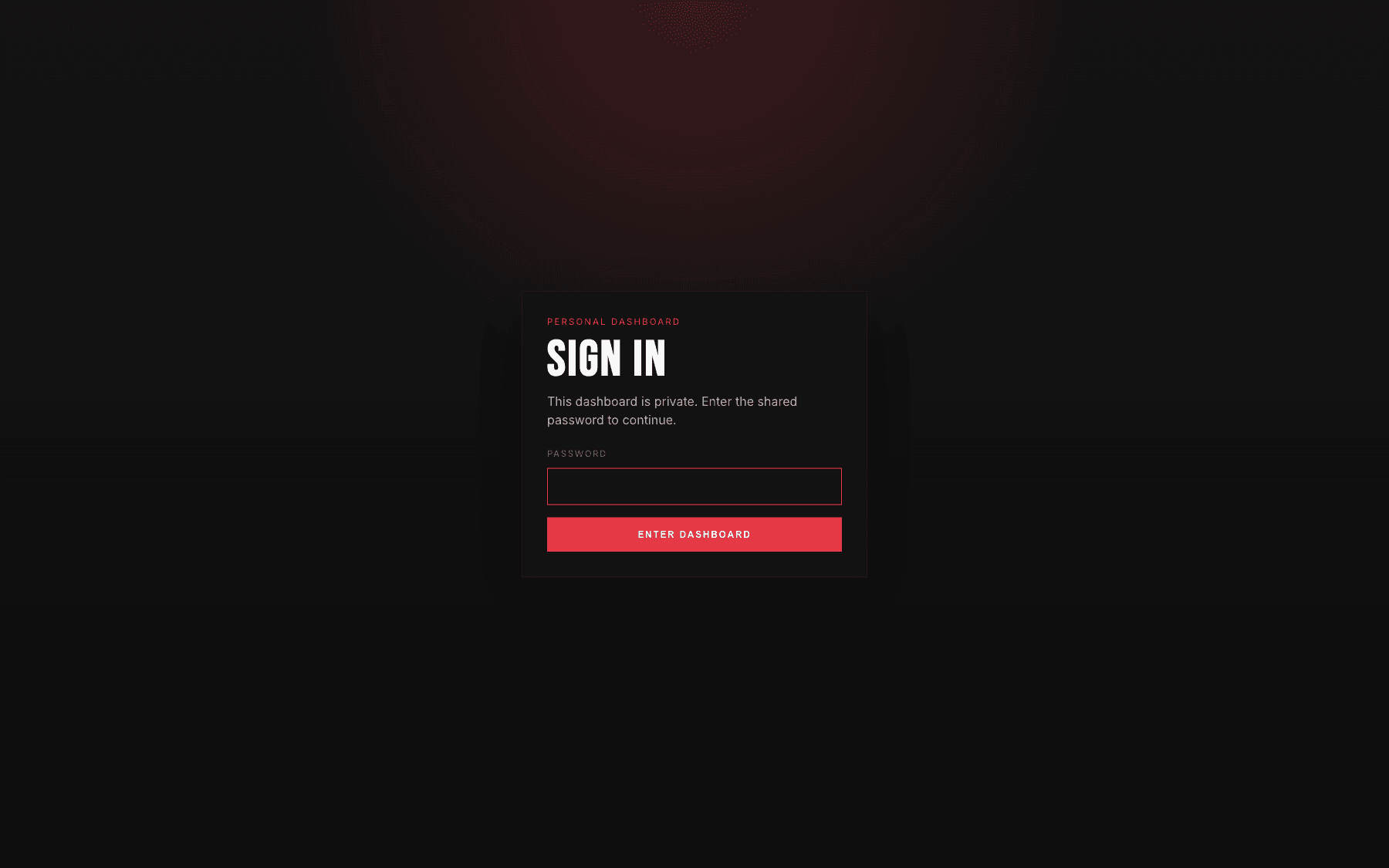
The goal was to design a calmer default. The live product is password-protected with signed sessions, but the case study stays public so the work can be read as a product surface rather than a hidden tool.
The Product
A fixed grid built for a single glance
Urgent information stays large. Secondary metadata stays quiet. The layout never asks the user to hunt.
The interface is organized as a strict grid so every signal has a predictable home. Time anchors the experience. Weather, news, traffic, markets, and personal progress layer in without drifting into widget-board clutter.
The product is intentionally narrow in scope. It is less about endless customization and more about designing a strong default ritual that feels fast, legible, and trustworthy.
Detail 01
Live market context without dashboard clutter
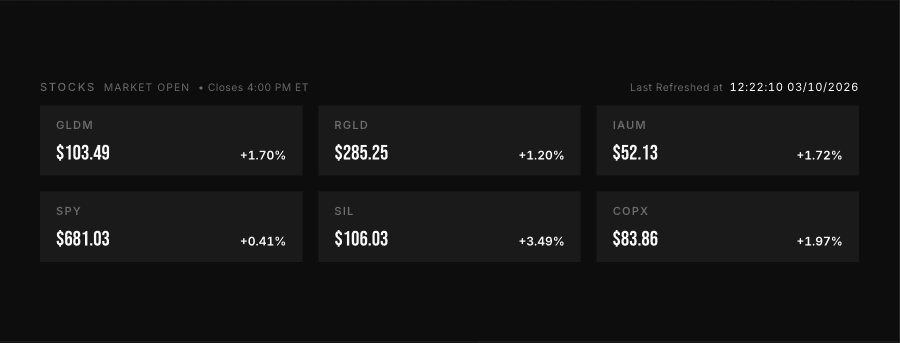
The market module treats real-time data as a quiet reference, not as a flashing event stream.
The stock view uses tight typography, consistent spacing, and low-noise cards so price movement reads immediately. It is a status surface, not a trading interface.
The restraint matters. When every module is live, hierarchy has to do more work than decoration.
Detail 02
Personal metrics make the interface feel owned
The dashboard is useful because it mixes practical signals with a few quieter measures of time and progress.
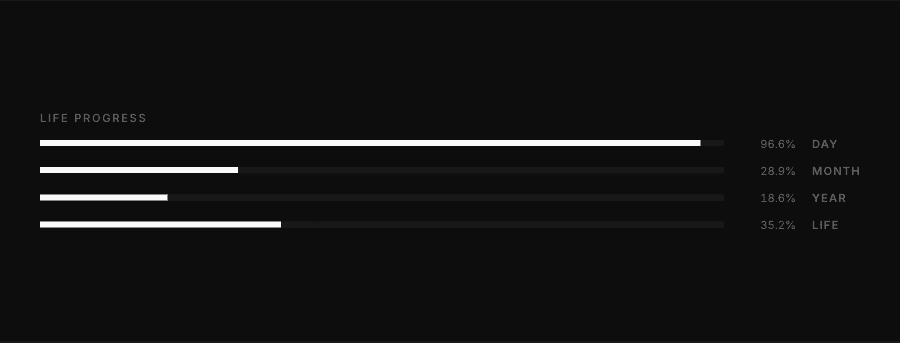
The life-progress module turns the interface away from generic productivity software and toward something more personal. Day, month, year, and life progress are not urgent, but they shape the emotional tone of the screen.
This is where the dashboard stops behaving like a utility panel and starts reading like a personal object.
Detail 03
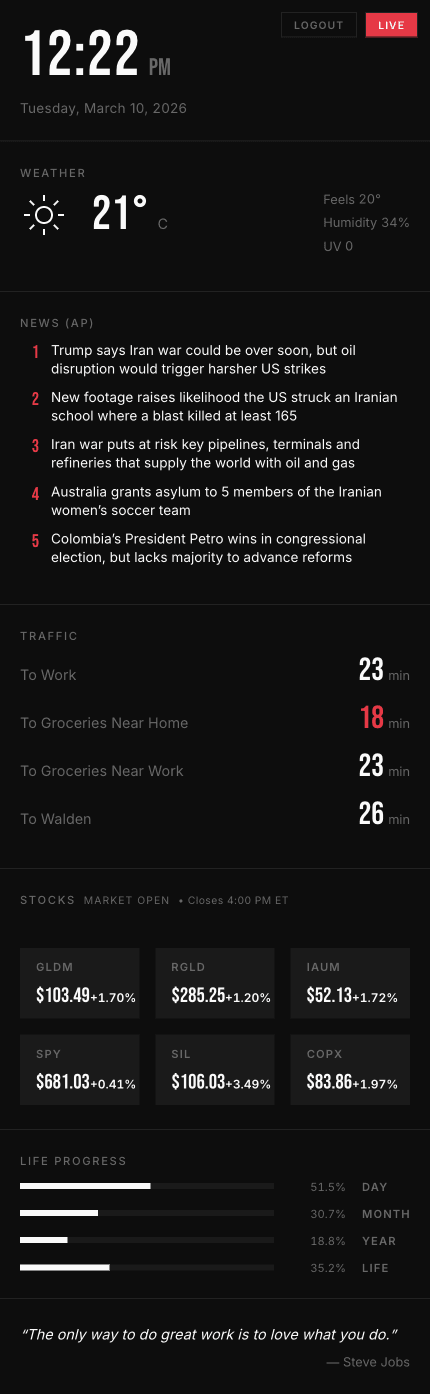
The hierarchy survives the move to mobile
The responsive version collapses the grid to a single column without changing the reading order or the calm tone.
On mobile, the same information architecture has to work with far less space. The layout keeps the clock, weather, headlines, traffic, markets, and life-progress modules in a sequence that still feels intentional rather than simply stacked.
The result is a mobile view that preserves the desktop rhythm instead of becoming a compromised fallback.
Detail 04
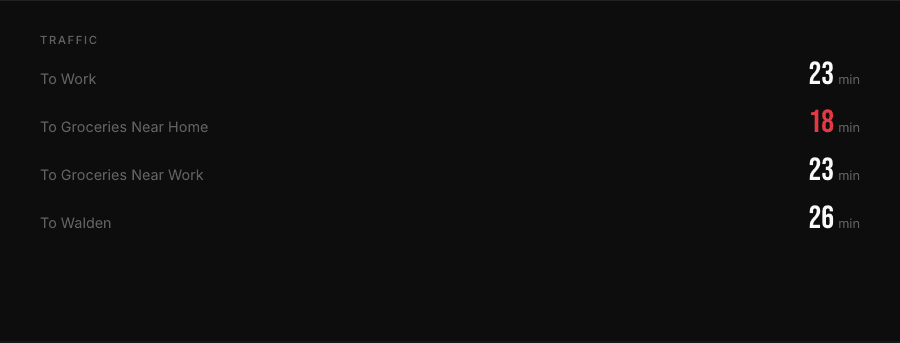
Commute data only shows up when it is actually useful
Traffic estimates become meaningful when they are framed as a timed ritual instead of a constant feed.
The traffic module is tuned to the part of the day when the information matters. During active hours it reads as a quick decision aid. Outside that window, the interface quiets down and the overall dashboard becomes more reflective.
That shift between live utility and after-hours calm is part of the product, not an incidental state change.
Motion Block
Motion stays almost invisible
The animation philosophy is fade-through, slight scale, and enough duration to feel smooth without performing.
The motion block carries the page on its own. Rather than animating every screenshot, the case study gives one sequence room to establish pacing and atmosphere.
That restraint keeps the content focused on the interface and the habit it supports.
Systems / Stack
Built to stay live, private, and demoable
The technical shape follows the product goal: keep the live view current, keep access bounded, and keep demos safe to run.
The build pairs a polished front-end surface with a practical back-end stance. External data is routed through controlled server logic, the private view stays behind authentication, and a mock mode keeps the product demoable without depending on every live API at all times.
Reflection
Designing for ritual instead of feature sprawl
This project was an exercise in tuning information density, motion, hierarchy, and trust rather than chasing more functionality.
The most important decision was narrowing the scope until the default experience felt calm. Once the ritual was clear, the visual language could stay disciplined and the product could feel more like a personal briefing than a dashboard in the generic sense.
It is a small product, but it sharpened the part of product design I care about most: making a repeated behavior feel better without making it louder.